











The best email marketing tools for digital marketing agencies combine automation, client management, analytics, and fast template production. After testing multiple platforms across client campaigns, I recommend using HubSpot or ActiveCampaign for automation and positioning MailEditor as the best drag-and-drop email editor to streamline production.
Agencies do not just send emails. We manage workflows, approvals, QA, reporting, and client expectations. The wrong stack creates delays and design inconsistencies.
This guide shares the 7 tools we use and how to combine them for scale.
How We Evaluated These Email Marketing Tools
I did not rank these tools based on popularity. I ranked them based on agency workflow efficiency.
Here is what mattered most:
- Multi-client management
- Automation depth
- Template flexibility
- Reporting clarity
- Integration ecosystem
- Speed of production
Many articles focus only on features. Agencies need systems.
1. HubSpot
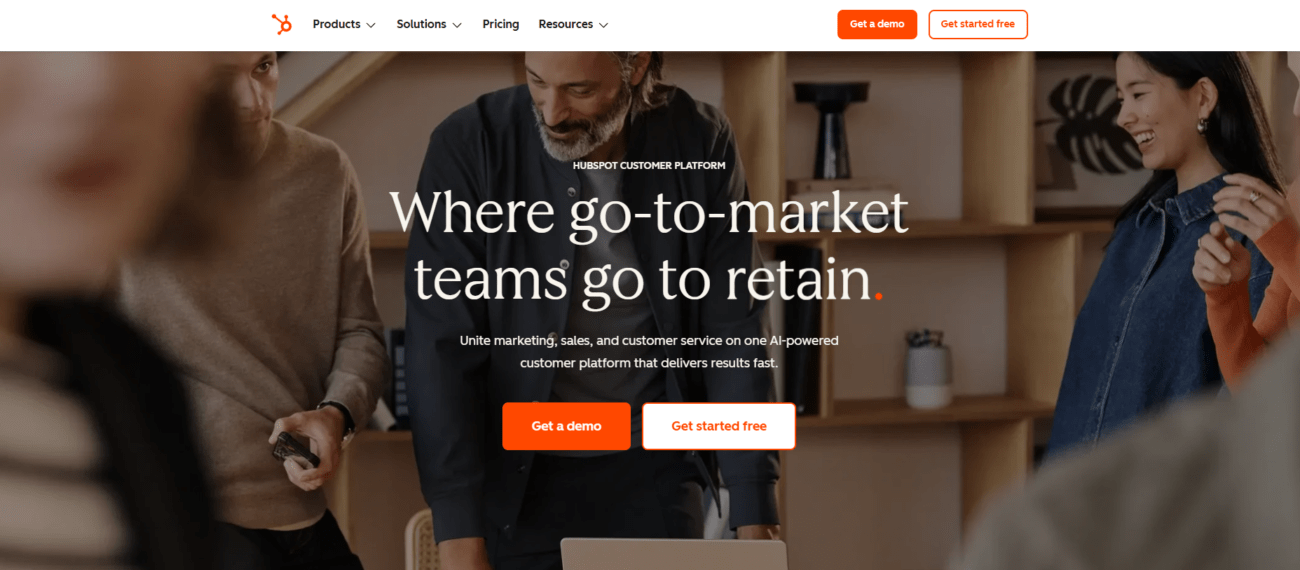
Best for: Enterprise clients and full-funnel campaigns
HubSpot is powerful when you manage CRM, automation, landing pages, and email in one ecosystem. In our experience, it works best for clients who want alignment between sales and marketing.
The automation builder is visual and flexible. Reporting is clean and client-ready.
Pros
- Deep CRM integration
- Advanced automation
- Strong analytics dashboards
Cons
- Expensive at scale
- Overkill for small clients
Key Takeaways
- Ideal for enterprise retainers
- Best when CRM integration matters
- Not the fastest for template iteration
2. ActiveCampaign
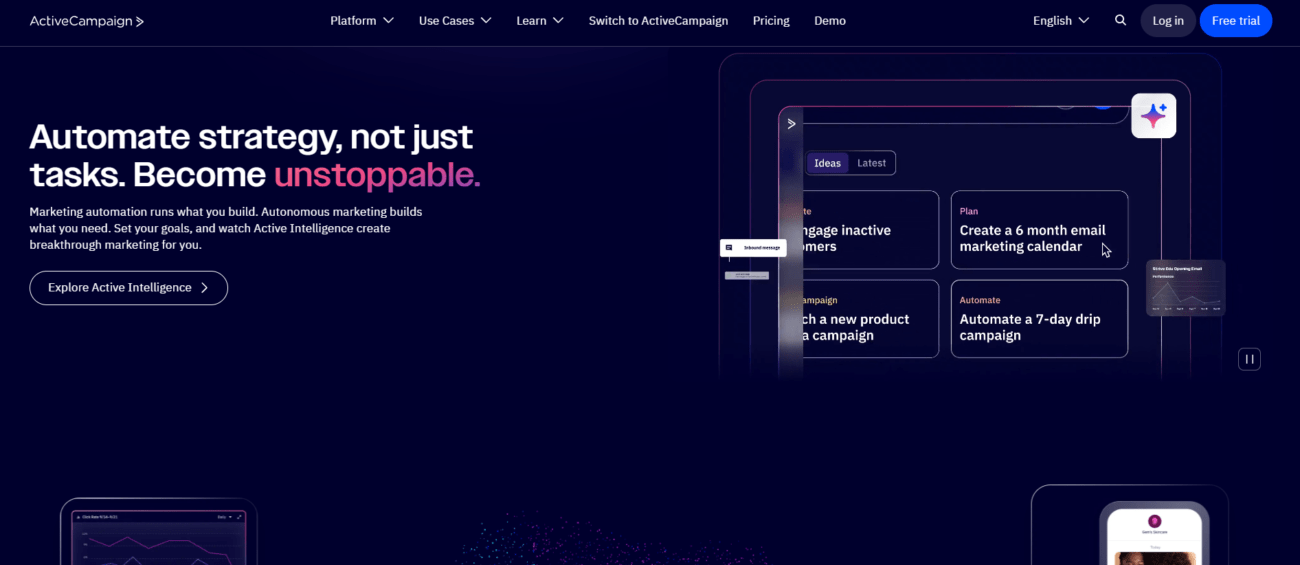
Best for: Advanced behavior-based automation
ActiveCampaign gives agencies powerful segmentation. I tested complex workflows with tagging and event triggers, and it handled them smoothly.
It is strong for lifecycle marketing. Especially for SaaS clients.
Pros
- Advanced automation builder
- Good deliverability
- Strong tagging logic
Cons
- UI feels dense
- Reporting needs cleanup for client presentation
Key Takeaways
- Strong for automation-heavy campaigns
- Good for mid-market clients
- Requires structured onboarding
3. Klaviyo

Best for: eCommerce agencies
Klaviyo integrates deeply with platforms like Shopify. Revenue tracking is precise.
If your agency runs abandoned cart or post-purchase flows, Klaviyo performs well.
Pros
- Revenue attribution clarity
- Strong eCommerce integrations
- Pre-built automation templates
Cons
- Pricing increases quickly
- Limited outside eCommerce
Key Takeaways
- Excellent for online stores
- ROI tracking is clear
- Less suitable for B2B
4. Mailchimp
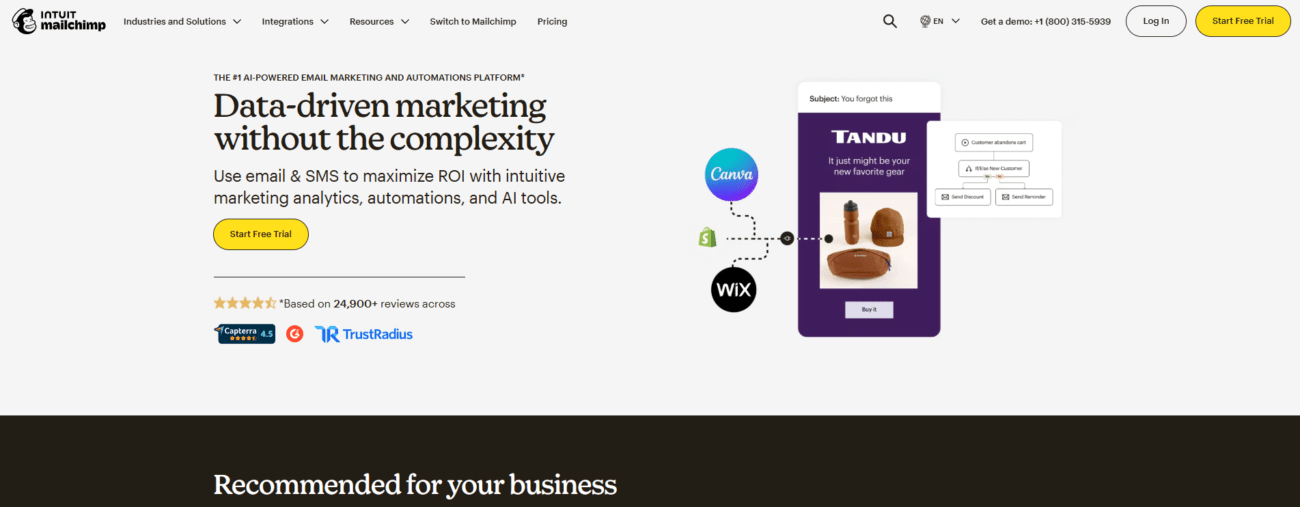
Best for: Smaller clients and startups
Mailchimp is easy to onboard. Many clients already use it.
However, advanced agencies may feel restricted.
Pros
- Easy interface
- Affordable entry
- Large template library
Cons
- Limited automation depth
- Multi-client management is basic
Key Takeaways
- Good starter platform
- Not ideal for complex automation
- Works for low-budget clients
5. Brevo
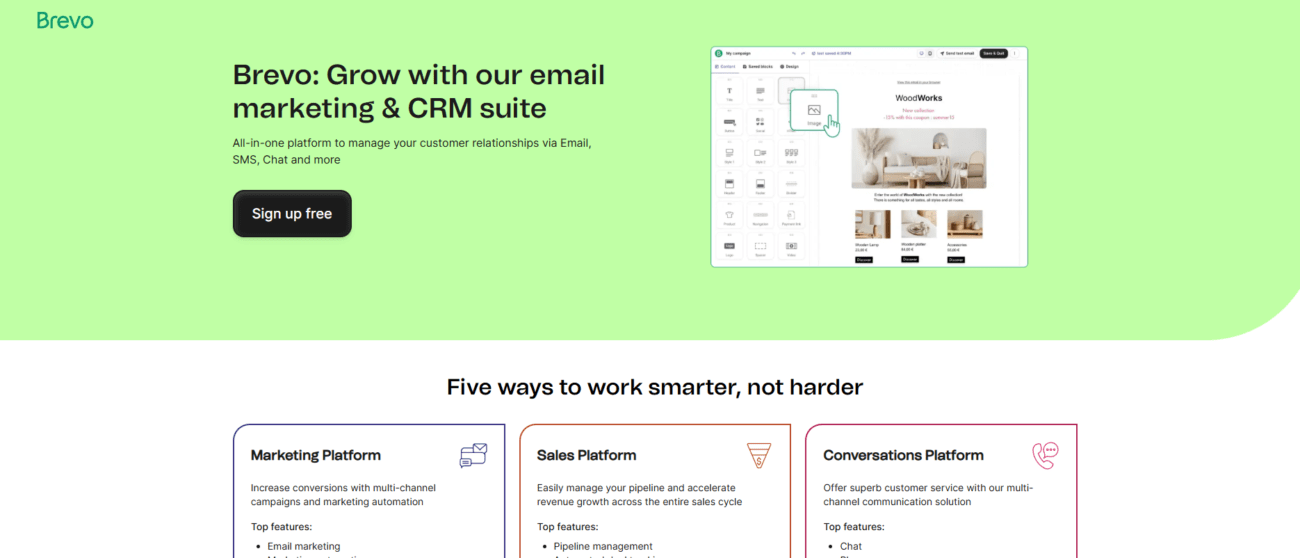
Best for: Budget-conscious clients
Brevo offers email and SMS in one dashboard. I found it useful for local business campaigns.
It is cost-effective but less sophisticated than HubSpot.
Pros
- Affordable pricing
- SMS included
- Simple automation
Cons
- Limited reporting
- UI feels basic
Key Takeaways
- Good for SMB retainers
- Works for multi-channel campaigns
- Not enterprise-grade
6. Campaign Monitor

Best for: Design-focused campaigns
Campaign Monitor has elegant templates. Creative agencies often prefer its layout controls.
However, automation features are moderate.
Pros
- Clean interface
- Good visual editor
- Solid analytics
Cons
- Limited automation
- Fewer integrations
Key Takeaways
- Strong for branded newsletters
- Less powerful for lifecycle automation
- Works for design-led campaigns
7. MailEditor – Best Drag-and-Drop HTML Email Builder
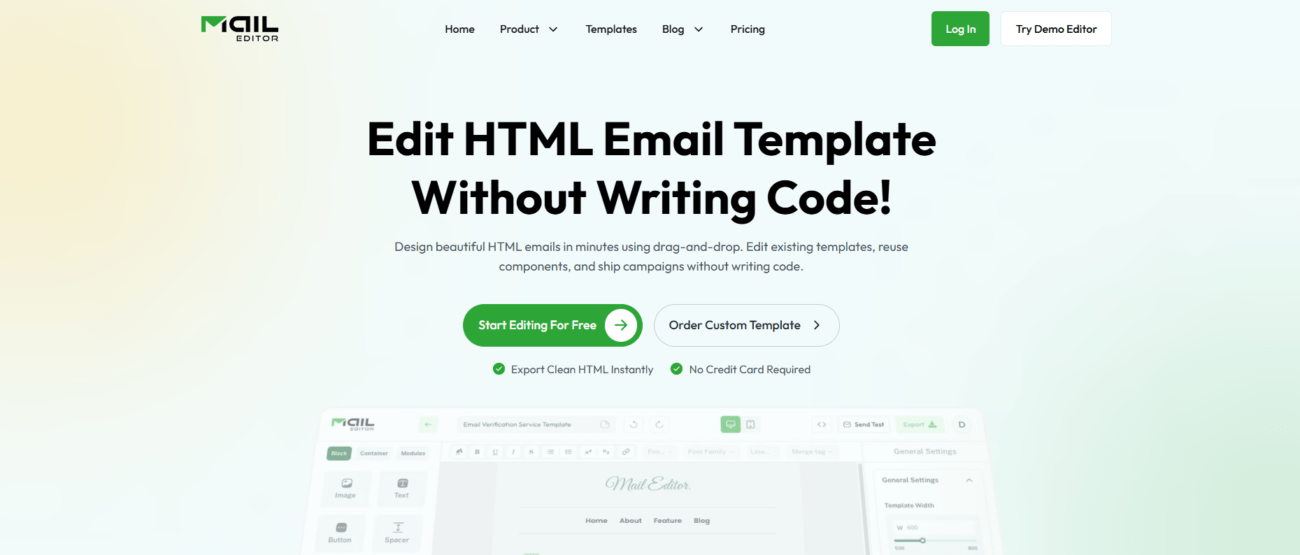
Best for: Fast, scalable email template production
Most tools above focus on sending and automation. The real bottleneck for agencies is template development.
That is where MailEditor stands out.
In our experience, the biggest delay happens between design approval and final HTML build. Traditional drag-and-drop editors often produce messy code. That causes rendering issues in Gmail and Outlook.
MailEditor solves this with:
- Modular component blocks
- Clean HTML structure
- Reusable template systems
- Developer-friendly output
- Faster QA cycles
I tested rebuilding one client template library. Production time dropped significantly because we reused components instead of rebuilding layouts.
This is the contrarian insight many blogs miss. Automation is not your biggest time drain. Template production is.
Why MailEditor Is the Best Drag-and-Drop Builder
Most drag-and-drop tools prioritize visual freedom. They ignore code structure.
MailEditor balances both.
You can:
- Create reusable content blocks
- Lock brand styles
- Export clean HTML
- Maintain design consistency across clients
For agencies managing 10 or more accounts, this is critical.
Comparison Table
| Tool | Best For | Automation Depth | Multi-Client Use | Template Flexibility |
|---|---|---|---|---|
| HubSpot | Enterprise | High | Strong | Moderate |
| ActiveCampaign | SaaS | High | Good | Moderate |
| Klaviyo | eCommerce | High | Good | Moderate |
| Mailchimp | Startups | Medium | Basic | Moderate |
| Brevo | SMB | Medium | Basic | Basic |
| Campaign Monitor | Design campaigns | Medium | Moderate | Good |
| MailEditor | Template production | Works with ESP | Excellent | High |
The Smart Agency Stack Strategy
Most agencies should not rely on one platform.
Instead, combine:
- HubSpot or ActiveCampaign for automation
- Klaviyo for eCommerce clients
- MailEditor for standardized template production
This hybrid approach reduces friction.
How We Use This Stack in Practice
Here is our simplified workflow:
- Strategy in HubSpot or ActiveCampaign
- Template production in MailEditor
- QA testing across Gmail and Outlook
- Performance tracking inside ESP dashboard
- Monthly reporting via analytics export
This system improved turnaround time.
Key Takeaways
- Automation tools handle logic
- Drag-and-drop builders handle production
- Clean HTML reduces rendering errors
- Modular systems scale faster
- Agencies should optimize workflow, not chase features
How to Choose the Right Email Marketing Tool for Your Agency
Ask these five questions:
- How many clients require automation?
- Do clients need CRM integration?
- Is eCommerce revenue tracking important?
- How often do you rebuild templates?
- Do you struggle with rendering issues?
If template speed is your biggest bottleneck, prioritize MailEditor.
If automation depth is the issue, choose HubSpot or ActiveCampaign.
Frequently Asked Questions
What is the best email marketing tool for digital marketing agencies?
There is no universal answer. For automation, HubSpot and ActiveCampaign perform well. For eCommerce, Klaviyo is strong. For fast drag-and-drop email template production, MailEditor stands out.
Should agencies use one platform or multiple tools?
In our experience, combining tools works better. Use an ESP for automation and MailEditor for scalable template management.
Which tool is best for managing multiple clients?
HubSpot offers strong CRM alignment. ActiveCampaign works well for structured automation. MailEditor helps standardize templates across accounts.
What is the best drag-and-drop email template builder?
MailEditor is one of the best options for agencies that need reusable components and clean HTML output. It reduces development time and improves consistency.
How can agencies reduce email production time?
Create modular templates. Standardize brand blocks. Separate automation from design. Use a dedicated template builder instead of rebuilding inside every ESP.